From the voucher to the sold video. In one system.
Booking, check-in, loads, automatic video editing, media sales and the settlement for tandem instructors and camera flyers. Created at a German tandem dropzone and in use there every jump day.
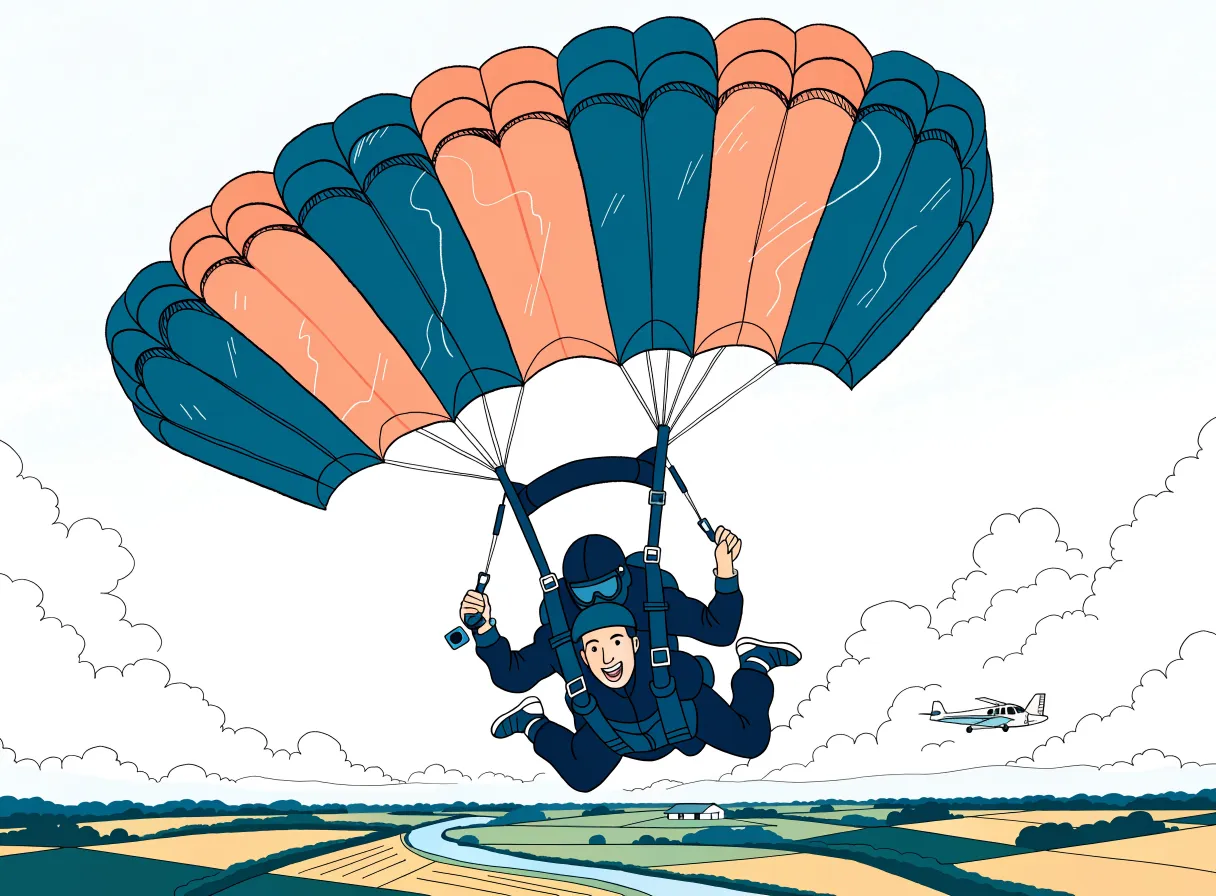
No more three programs and a slip of paper in between.
At many dropzones, booking, manifest, waiver and video sales run separately. In the evening everything is typed up, at the end of the month it is all added up. Here everything hangs on the same jump, from the voucher code to the credit note.
- One click on “Landed” redeems the vouchers, books the fees for tandem instructors and camera flyers and creates a media page with a personal code for every guest.
- The online data is already there when the guest arrives at check-in. Nobody retypes names or weight.
- The sold video belongs to the jump. If the guest adds video or photos at the desk, the tandem instructor who filmed gets the post-sale bonus on their credit note.
- Your data lives in your own installation, not on a shared platform with other dropzones.
Six stations, one system.
This is how the software accompanies a tandem guest: from the voucher under the Christmas tree to the credit note for the team.
Voucher and booking
The guest buys online and books a date themselves with their code. Rebooking and cancelling is done in the booking portal, with no customer account at all.
GuestCheck-in on the iPad
Check details, weight, waiver with finger signature. Before the jump, the guest sees the offer for video and photos.
Guest · DeskLoad and jump
In the cockpit you assign guests to loads. The system suggests the next tandem instructor, checks the available seats and warns about weight.
ManifestEditing at the station
Before the jump, the tandem instructor briefly films the guest's QR code. After landing, plug in the GoPro: the AI finds exit, deployment and landing, the tandem instructor checks and presses GO.
Tandem instructorMedia page and purchase
The guest receives the link to their page by email, and by SMS if they wish. Anything they have not bought yet is shown with a watermark and can be bought in a few clicks.
GuestSettlement
Credit notes for tandem instructors and camera flyers including surcharges and bonus, cash book and export for your tax advisor.
OfficeIf your team films every jump, every jump becomes an offer.
If the tandem instructor also films guests without a package, every guest sees their footage: on site and later at home. Only what was actually filmed is offered.
- Before the jump: At check-in on the iPad, the guest sees the offer for video and photos.
- After landing: At the desk, the guest sees their jump as soon as the station is done. Adding to the order is possible right there.
- At home: Their own jump plays on their personal page, unpurchased items with a watermark. After payment, the system unlocks the full version by itself.
- A few days later: Guests who have not bought anything can automatically receive a personal discount code, if you wish.
Simplified view with sample data
Three building blocks that know each other.
The manifest system is the heart. The editing stations fetch guest, load and booked package from there – and report back as soon as the media is ready.
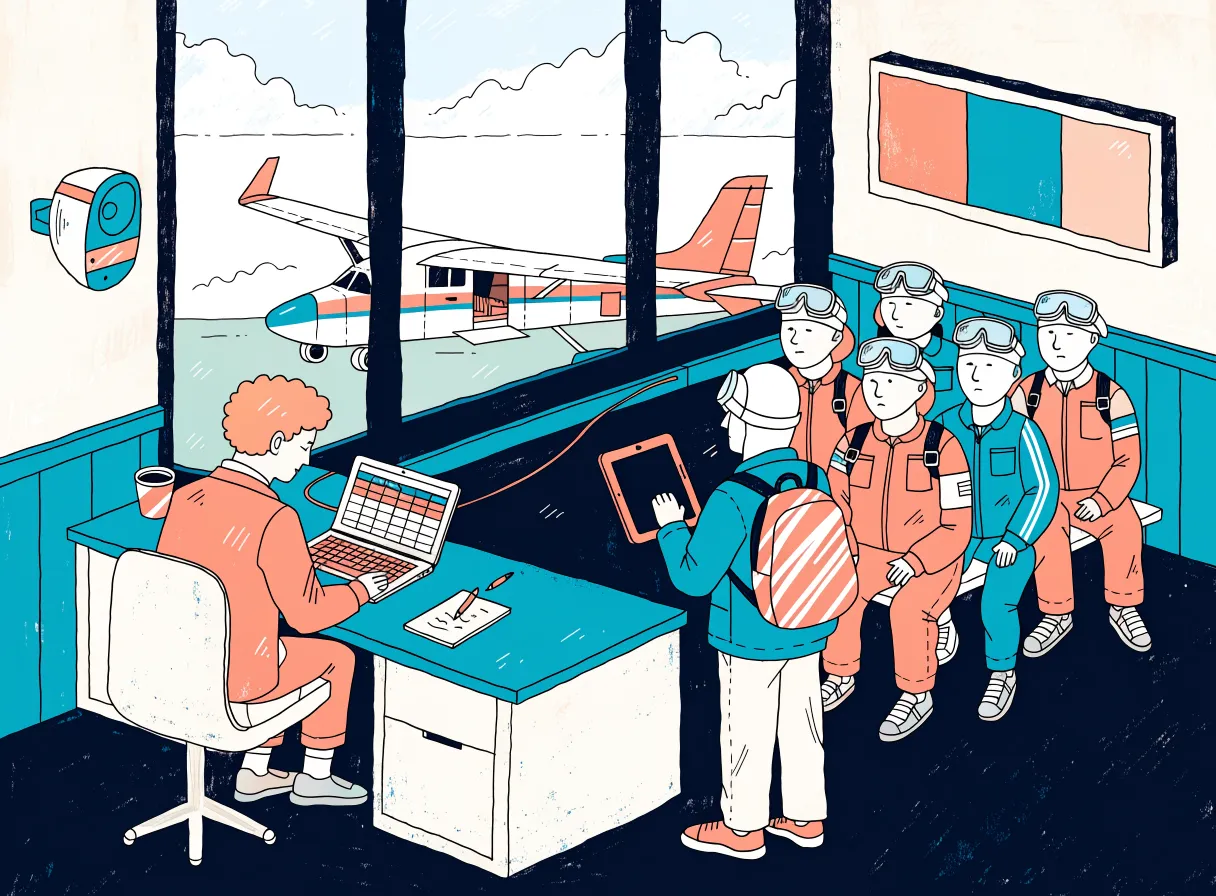
Manifest system
Booking, vouchers, check-in with waiver, cockpit for the loads, announcements, display, cash register, team settlement and customer inquiries.
Learn more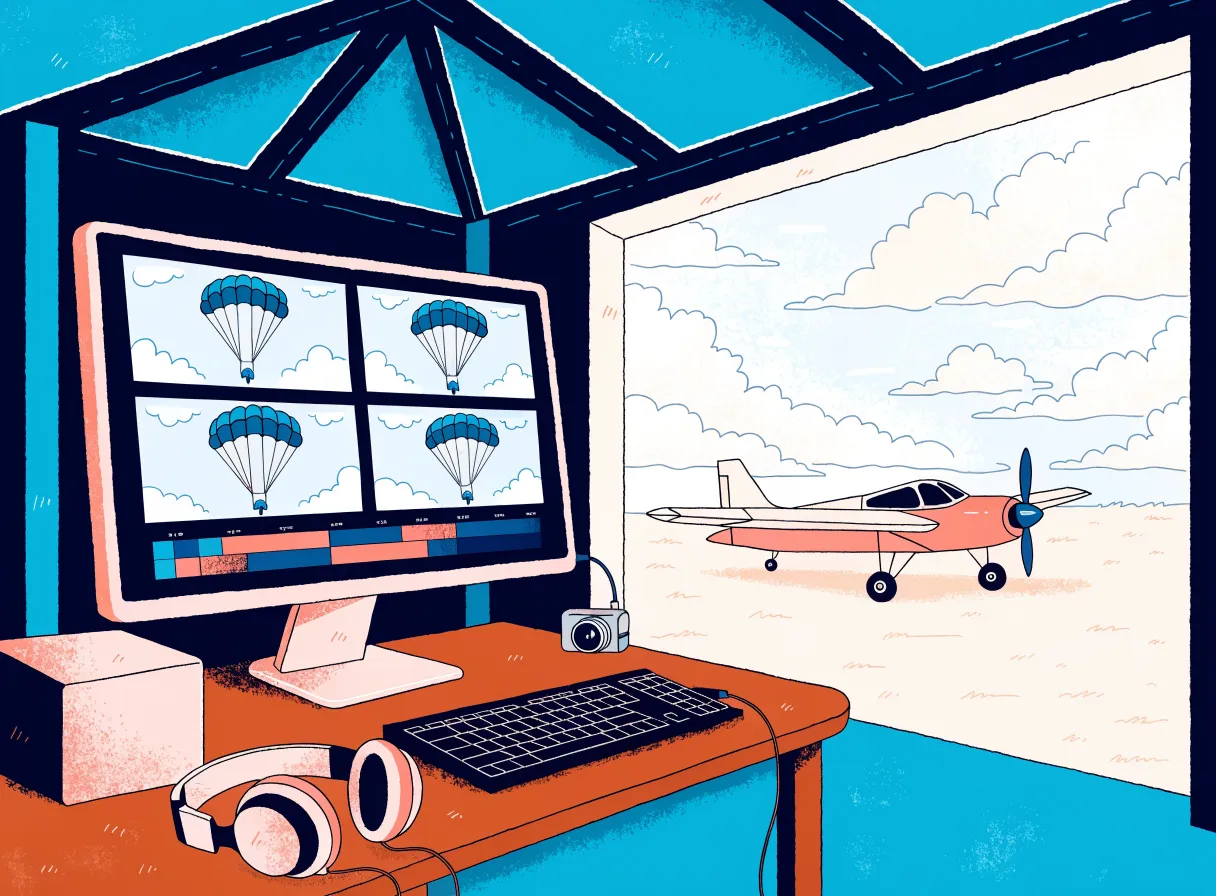
TandemEdit Mac
The editing station: plug in the GoPro, check the markers, GO. Main video, best-of, reel and photo selection are created automatically.
Learn more
TandemEdit iPad
The same editing pipeline on the iPad – with a showing right next to the guest. New, currently being trialed.
Learn moreEveryone sees what they need. And nothing more.
Owner
Monthly revenue, open vouchers and team settlement in the accounting section, media sales in the media center. No spreadsheets of your own at the end of the season.
Manifest desk
Cockpit with all loads, check-in status, announcements at the push of a button, weather cancellation for the rest of the day in one step.
Tandem instructors and camera flyers
Report availability in their own portal, sign in for the day at the terminal, see their own jumps and the credit note.
Guest
Book and move the date themselves, check in on the iPad, watch and buy their own jump on their phone.
Accounting
Invoices with number range, cash book with daily closing, vouchers as liabilities, export for your tax advisor.
Customer service
Inquiries as tickets with the booking and voucher right next to them. An AI suggests the reply, a human sends it.
Built by people who run a tandem dropzone themselves.
Booking, check-in, load planning, media sales and settlement run there every jump day, with real guests, vouchers, weather cancellations and complaints. We developed the editing AI with around 1,900 hand-set markers from our own jumps and tested it on jumps it had never seen before.
Figures from our evaluation in September 2026. A human still checks the markers. When all lights are green, a quick glance is usually enough.
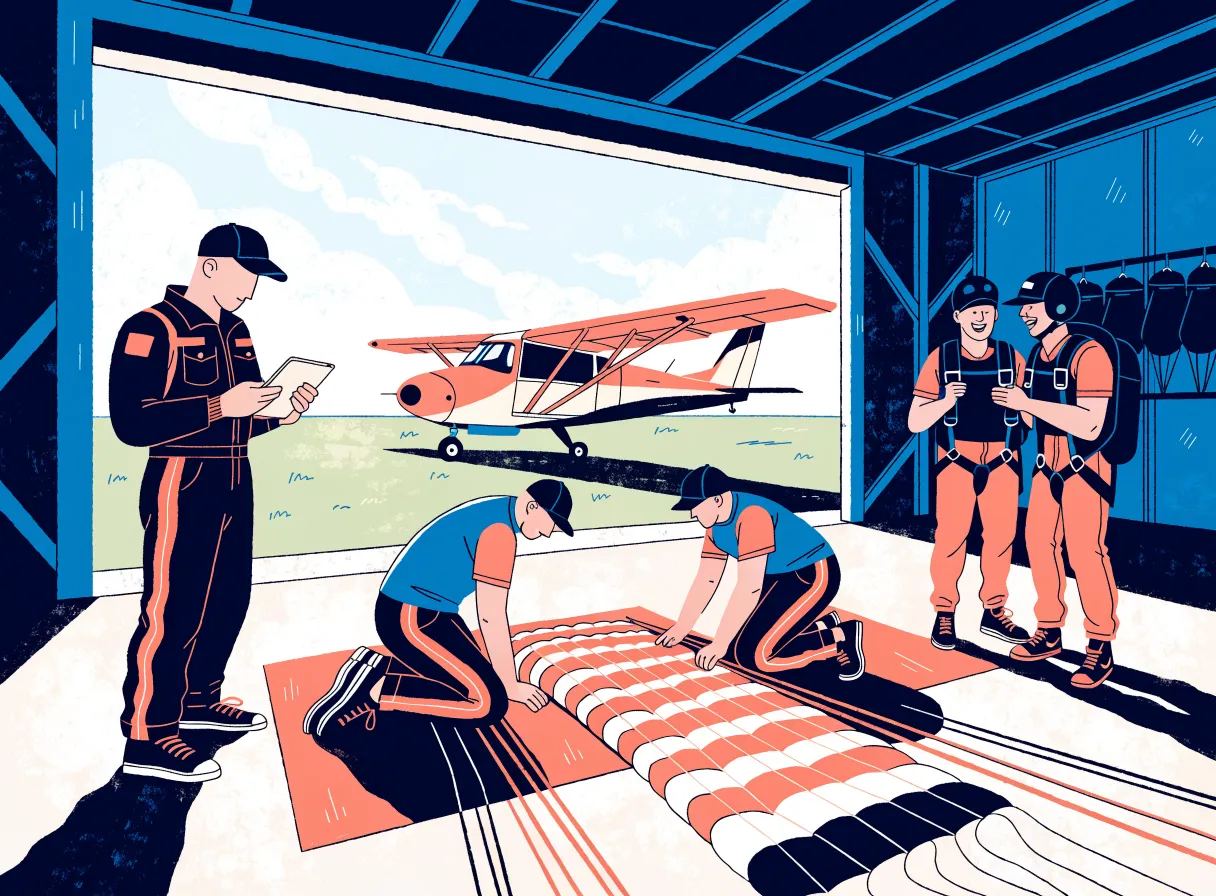
No special hardware. But no magic either.
We tell you in advance exactly what runs and what is needed for it.
Browser
The manifest system is a web application: manifest PC, iPads at the desk and check-in, the TV in the café.
Your existing GoPros
Your tandem instructors' cameras. For precise AI markers, the station uses the GoPro's motion data.
One editing station
A Mac mini (tested with M4). New and being trialed: a 13-inch iPad Air with M4.
NAS and internet
A NAS on the local network backs up the projects and uploads the media for the guests to the cloud storage.
Accounts and extensions
The software runs on WordPress with WooCommerce. Added to that are a Mollie account for payments, cloud storage for the guest media and extensions for voucher PDFs and invoices. SMS and speech output run via your own accounts. Music, intro and logo for the videos you provide yourself.
What operators want to know first
When is the best time to switch?
In winter, between October and March. The setup checks the installation and creates any missing pages, tables and roles. Prices, aircraft and company details you enter yourself.
Do we need new cameras?
No, if your tandem instructors film with GoPros. The station sets the AI markers from their motion data. Footage from other cameras is read in from the memory card, and the operator then sets the markers by hand.
Can we use only part of it?
The manifest system can be tailored in modules. The editing stations need the manifest as their counterpart, because that is where they get guest, load and booked package from.
Which languages is the software available in?
Currently in German. English and Dutch are in progress.
Where is our data stored?
Every dropzone gets its own installation; there is no shared platform with other dropzones. Whether it runs on your server or on one we operate for you is something we decide together. We settle the details of operation and data protection in writing before the start. The finished videos and photos for the guests are kept in cloud storage, the originals on your NAS.
What does it cost?
We are finalizing the pricing model. Until then, we discuss prices personally. Write to us.
Your own demo with a fictional dropzone.
You get your own instance of "Skydive Nordlicht" with a jump day in progress. A guided tour takes you through 14 stations: cockpit, check-in, media page, post-sale, settlement. Payments are only simulated; no emails go to real guests.