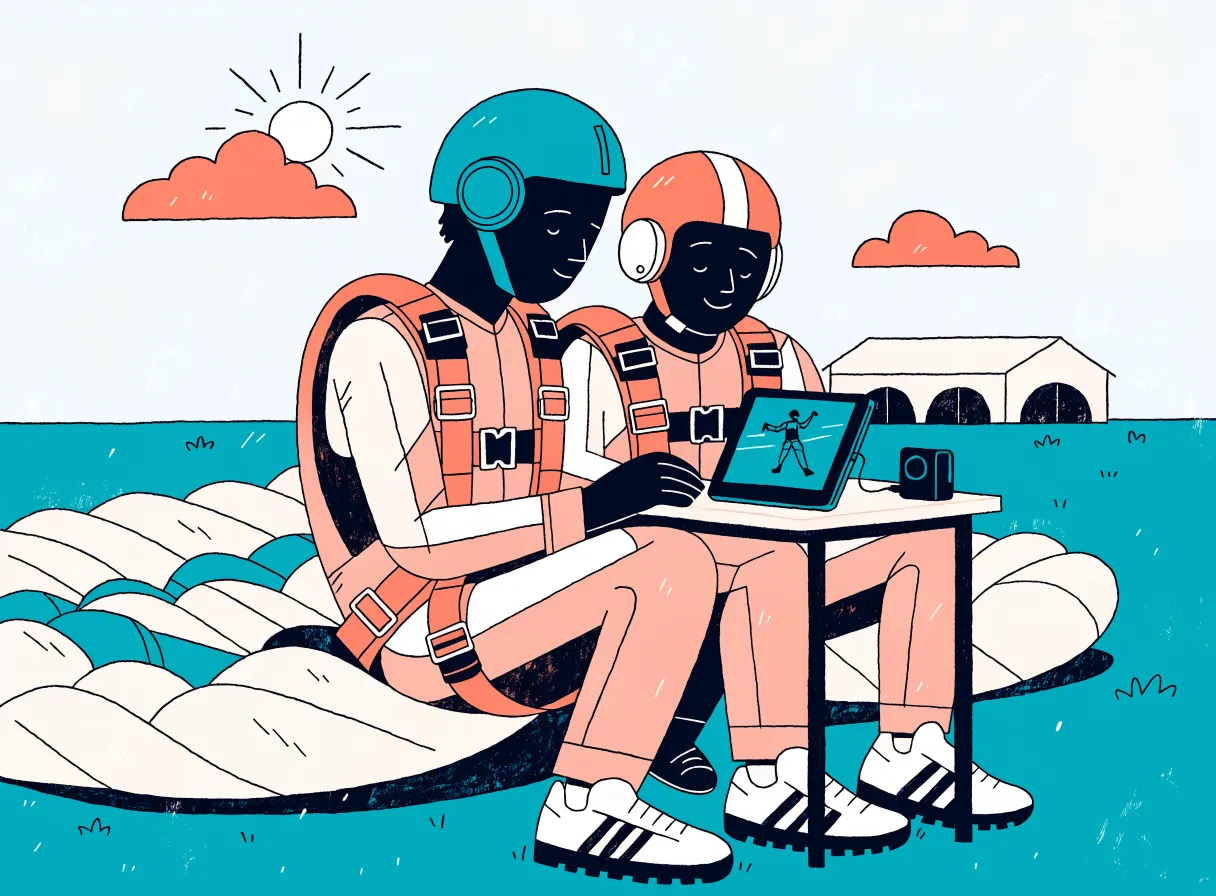
The editing station on an iPad.
Plug in the GoPro via USB-C. The app recognizes the guest by QR code, the on-device AI finds the exit, canopy opening and landing. The tandem instructor checks three points and presses GO. The iPad renders the main video, short video, Instagram clip and photos itself.
As of today: In day-to-day operation, Mac stations do our editing. Since mid-September the iPad station has completed many runs with a real GoPro and real jump footage, but so far only with test guests on a test system.
This is where we are in the process: at editing. Here the iPad takes over the work of a Mac station, currently for the GoPro handcam via USB-C.
- 01Voucher and booking
- 02Check-in
- 03Load and jump
- 04 · hereEditing at the station
- 05Media page and purchase
- 06Settlement
The iPad edits. NAS and manifest deliver.
The station does all the processing itself: import, AI analysis, editing and photo selection. The media reach the guest the same way as from the Mac stations. The iPad backs up to the NAS, the NAS uploads to cloud storage, and the manifest sends the email to the guest.
One set of data. The guest comes from the day list. Their purchase status determines what is rendered with a watermark and what the app presents.
No upload of its own. The iPad only delivers to the NAS. Uploading and email are handled by the NAS and the manifest, just as with the Macs.
Visible in the manifest. The station reports the status of every edit and sends a heartbeat every minute.
What the station handles on site.
The app follows the rules of our Mac stations. Here is what happens before and after editing. Day overview, marker check and presentation are shown in detail further down.
The camera is only cleared after verification
The app detects the connected GoPro and transfers all video clips, up to three attempts per file. The camera is only cleared once every copy on the iPad has been confirmed by checksum, and after a grace period with the "Keep clips" button.
The jump ends up with the right guest
Before the jump, the app shows the guest's QR code and the tandem instructor films it briefly. On import, the app reads it in the first clip. If the guest is on the day list with load and tandem instructor, editing starts automatically.
A photo package without a stills camera
The app samples the 4K video at 4 frames per second and keeps every frame for 5 seconds around the exit. A sharpness filter pre-sorts. Four AI models rate visual impact, detect faces and smiles, and compare the frames with the exit.
The next guest doesn't have to wait
After the main video, a preliminary copy goes to the NAS, then the whole project, every file confirmed by checksum. The station is already free while this happens. If the backup fails, a red line with "Retry" appears.
Also on board
- Classic view as on the Mac, in case the AI gets it wrong: set markers by hand, hide or shorten scenes, plus an audio mixer for music and original sound.
- Eight checks before GO, for example for missing freefall, missing landing or a gap in the music.
- Protection against mix-ups: Warning for guests who already have finished media and for footage that has already been imported.
- Practice mode for training: Practice editing without the manifest, NAS or guest noticing anything.
- Storage indicator: Only what has been backed up to the NAS is cleaned up automatically, oldest first.
- Earlier projects can be shown again, checked or re-edited as long as the footage is still on the iPad. The original markers are the starting point.
When no edit is running, the station shows who is up next.
The sort order shows who is up now. At the top are landed guests whose media are still missing. Below that, what is currently being edited, including at other stations, who is in the air and which load goes next.
more guests fit on the drive
Processed today: 3Ready — no edit active
Simplified view with sample data
Landed, but no media yet. This card has a red border because it is up now.
The guest wants no recordings, no video or no photos. "NO VID" means: photos yes. This is shown separately on every card.
For the next load, the station reminds you to film the guest's QR code with the handcam before the jump.
The tandem instructor doesn't edit. He checks three points.
Each tile shows its point in a slow-motion loop. If a point is off, the tandem instructor drags the red marker with a finger to where it belongs. After GO, the main video in Full HD with music, the short video and the vertical Instagram clip are rendered. Whatever the guest hasn't purchased is additionally rendered with a watermark.
Simplified view with sample data
All green
A 30-second countdown runs. "Now" starts immediately; any tap on the screen cancels it.
Something is uncertain
The indicator shows "Check". Instead of GO, the app asks "Markers correct?" and only starts after "YES".
Preview renders alongside
The main video is already being rendered during the check. If the tandem instructor changes a marker, the preview restarts 4 seconds later.
The station tells you when the video will play.
At the top are three milestones: video playable, photos done, everything done and free for the next GoPro. Below, each step is a bar on a timeline, with the GO line. The remaining-time estimate learns from every run.
- Clear information for the guest. The tandem instructor sees when the video will be playable and can say so.
- Operator time is shown separately. "Marker check (you)" is orange, processing time green. Whatever was already running alongside the check carries the symbol ‖.
- Free before the backup. "Everything done" means: next GoPro. The NAS backup then continues in the background.
The times in the image come from a sample run with a test guest on the test system, counted from "Import done". The NAS backup line has been added; the run itself was without NAS backup. A second run: video after 4:01, photos after 5:49, everything done after 6:32 min. Both with marker check by the operator, individual measurements on the test device. No guarantee for your operation.
Simplified view with sample data
The guest sees what they are still missing. While they are still on site.
Once the edit is done, the app shows full-screen exactly what the guest hasn't booked. The choice is based on their booking in the manifest and applies to this one edit only.
- No buy button in the app. Purchases are made at the manifest or later on the guest's media page. There the system unlocks the full version automatically after payment.
- Photo greeting: Up to 10 marked photos are emailed to the guest via the server before they leave the dropzone.
- After 10 minutes without interaction the presentation closes by itself, but never while a video is playing.
Simplified view with sample data
A dedicated app following the same rules as our Mac stations.
The iPad app is a replica of our Mac stations: the same editing rules, the same AI models, the same connection to manifest and NAS. Once registered in the manifest, the iPad appears there as another station, with its own name and the status of every edit.
One difference is import: today the iPad reads only GoPro cameras via USB-C. The app is built to run alongside Mac stations. We have not yet tested this side by side in live operation. How accurately the AI markers hit was measured at the Mac stations; more on that under TandemEdit Mac.
- 6 AI models for jump analysis
- 4 AI models for photo selection
- Editing rules of the Mac original
- Interface to the manifest
- Storage on the NAS
The comparison was run on a computer with the iPad app's processing core, on a single test project of 12 clips, before the app ran on an iPad for the first time. The models are ported from the Mac original.
What we have tested. And what is still missing.
All measurements from the device come from exactly one iPad Air 13-inch (M4), with test guests or in test mode on a test system. They are individual measurements from September 2026, not guarantees.
Tested
- Since mid-September, many runs with a real GoPro and real jump footage, at the dropzone and away from it.
- Import from the GoPro, AI markers, all three video versions including watermark, and photos from the 4K video on the device.
- Preliminary copy and full backup to the NAS at the dropzone, at that time still in the foreground: 0.47 GB preliminary copy in 2 min over 2.4 GHz Wi-Fi.
- Backup failure case: the red line with "Retry" is still there after restarting the app.
- 607 automated tests of the app plus the tests of the processing core. 5 known cases with outdated test material remain open.
Still open
- Paying guests: The iPad has not yet worked a real jump day alongside the Mac stations.
- Other devices: We have not tested other iPad models.
- Heat: The endurance test ran in a room at normal temperature. 30 °C and above, as well as charging under load, have not been tested.
- Backup in the background: Since the switch to background operation, the success path has not yet been verified on the device.
- Other cameras: Today only the GoPro via USB-C is imported. Memory cards via a card reader, a separate stills camera and the outside camera are prepared but not tested on the device.
On the endurance test: from minute 10 the iPad's thermal state was "serious", the second-highest level, at which iOS may throttle, but never "critical". The speed nevertheless stayed the same. Highest battery temperature 34.3 °C. Measured in test mode with a full battery, without charging, without import and without upload, in a room at normal temperature.
An iPad alone is not enough. This is what goes with it.
The iPad station uses the same counterparts as the Mac stations. Without a manifest system, NAS and internet on site, it does not run today.
iPad Air 13-inch (M4)
Tested with 128 GB, on the local Wi-Fi. The storage indicator shows how many more guests fit on the device.
USB-C hub
The tandem instructor's GoPro connects to it by cable. For the markers, the station uses the camera's motion data.
Manifest system
That is where the day list and purchase status come from. The station reports its status there and creates the guest's access code.
NAS with receiving service
A NAS on the local network with our receiving and upload service. It backs up the projects and uploads the media to cloud storage via your internet connection.
What operators want to know about the iPad station
Does the iPad replace a Mac station?
For the GoPro handcam it does the same work: import, AI markers, three video versions and photos from the 4K video. Memory cards from other cameras, a separate stills camera and the outside camera are currently read only by the Mac station. On the iPad they are prepared but not tested. In day-to-day operation, our Mac stations do the editing; the iPad station is new and in testing.
Does it work with any camera?
Currently only with GoPro cameras via USB-C. For the markers, the app uses their motion data. Memory cards from other cameras are so far read only by the Mac station. On the iPad, the route via a card reader is prepared but not tested.
What happens if the AI gets it wrong?
Then the tandem instructor drags the marker in the tile to the right spot. For difficult footage there is the classic view as on the Mac: scene list, preview, manual markers, hiding or shortening scenes, plus the audio mixer.
Which iPads work?
Only the iPad Air 13-inch with M4 and 128 GB has been tested. We cannot make any commitments for other devices today.
Can an edit be repeated later?
Yes, as long as the footage is still on the iPad. In the archive, earlier projects can be shown again, checked or re-edited, with the original markers as the starting point. Until GO, the existing video remains untouched. If the iPad has already been cleaned up, you request the footage in the manifest for a Mac station. It retrieves the raw footage from the NAS, and the editing is then done there.
See the journey from the jump to the sold video.
In your own demo of "Skydive Nordlicht", you land a load in the cockpit. Then an editing station reports import, rendering and done to the manifest, and you see what the guest gets on their media page. We are happy to tell you more about the status of the iPad station in a conversation.